 NeatPakPOS





















Point of Sale
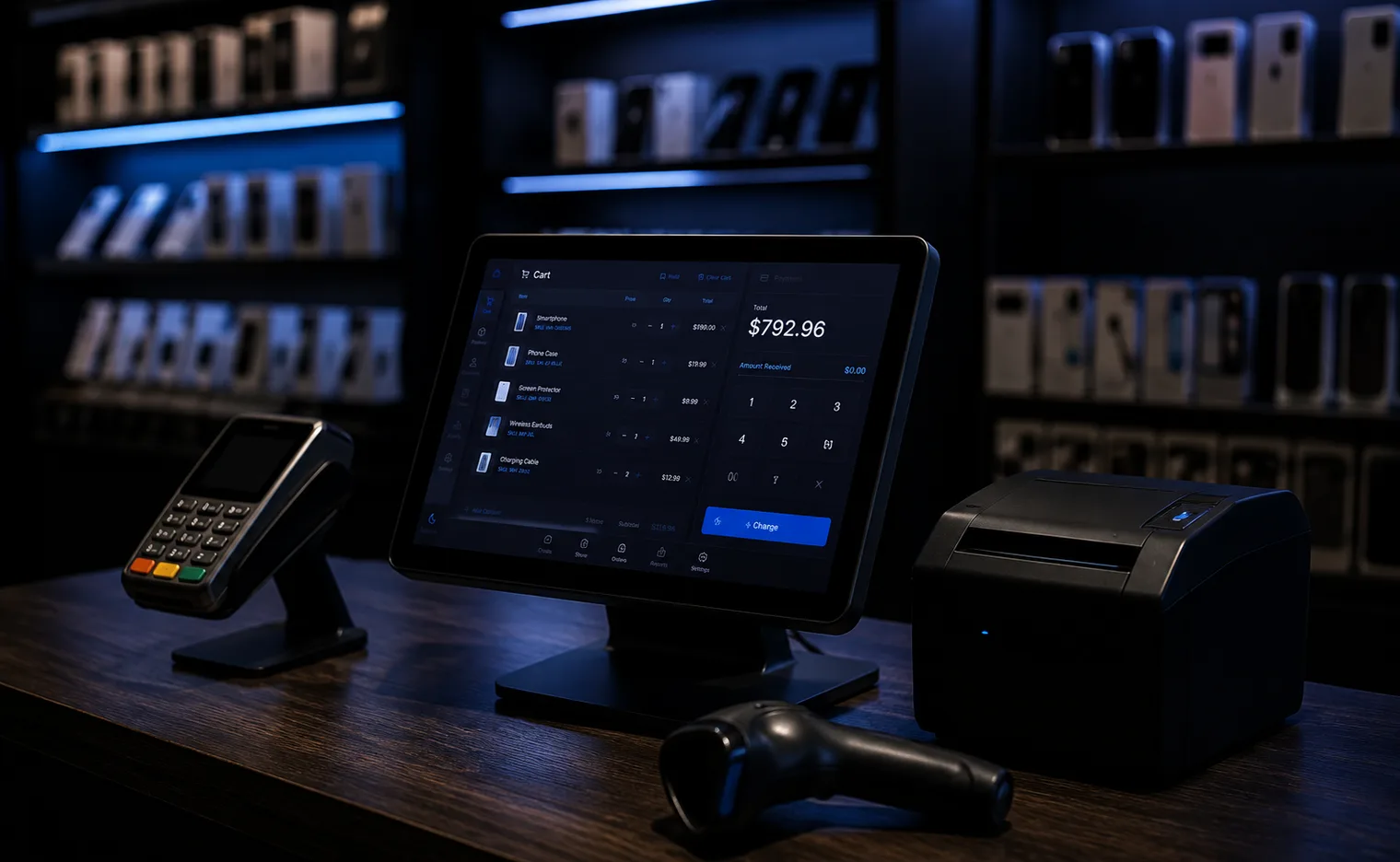
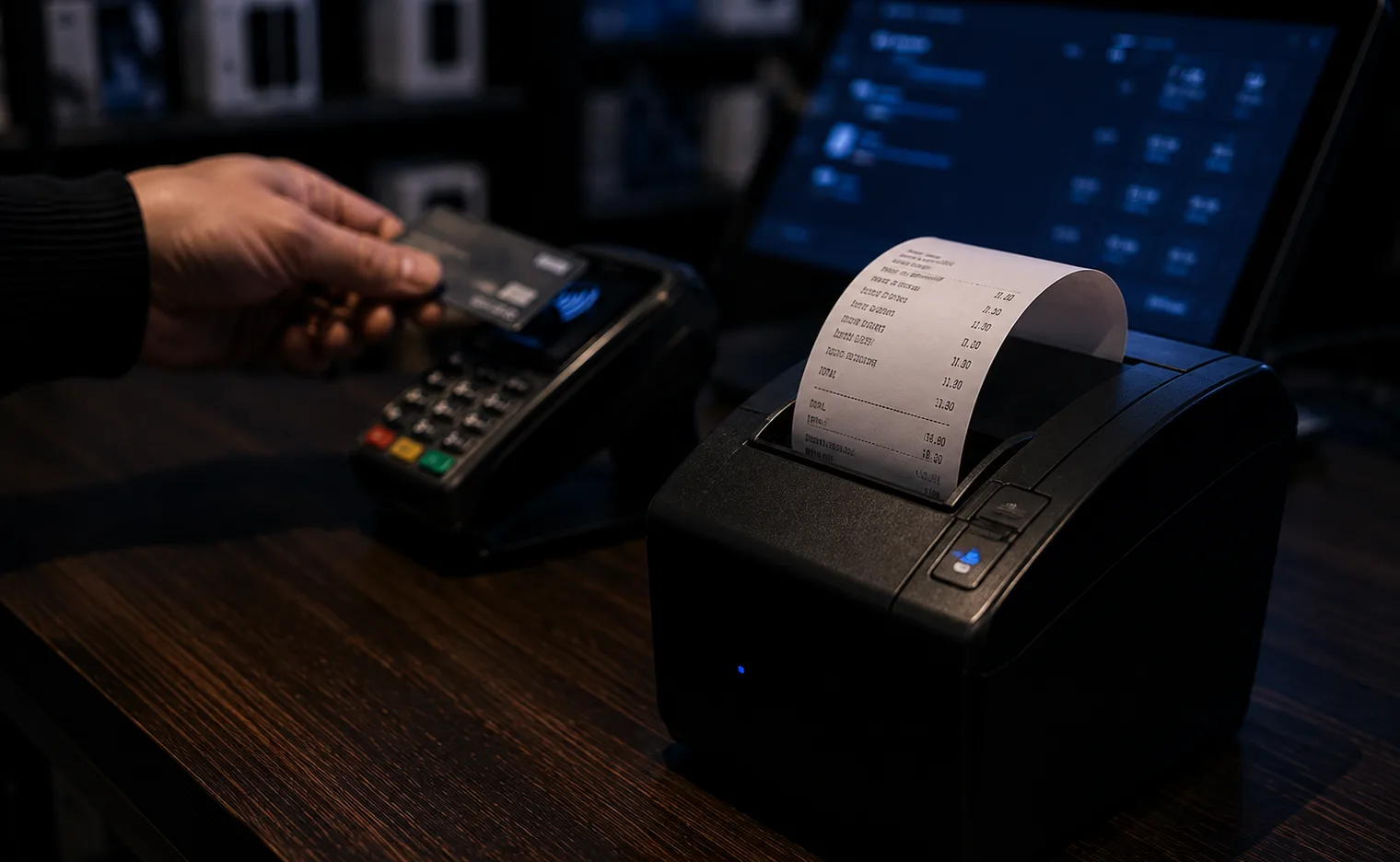
In-memory product search, barcode scanning, multiple cart tabs, held carts, split payments and instant change calculation.
NeatPakPOS is an offline-first point of sale and business management system for Windows. Sell at the counter, track every IMEI and serial, manage purchases, customers, staff and accounts, all from a database that lives on your own PC
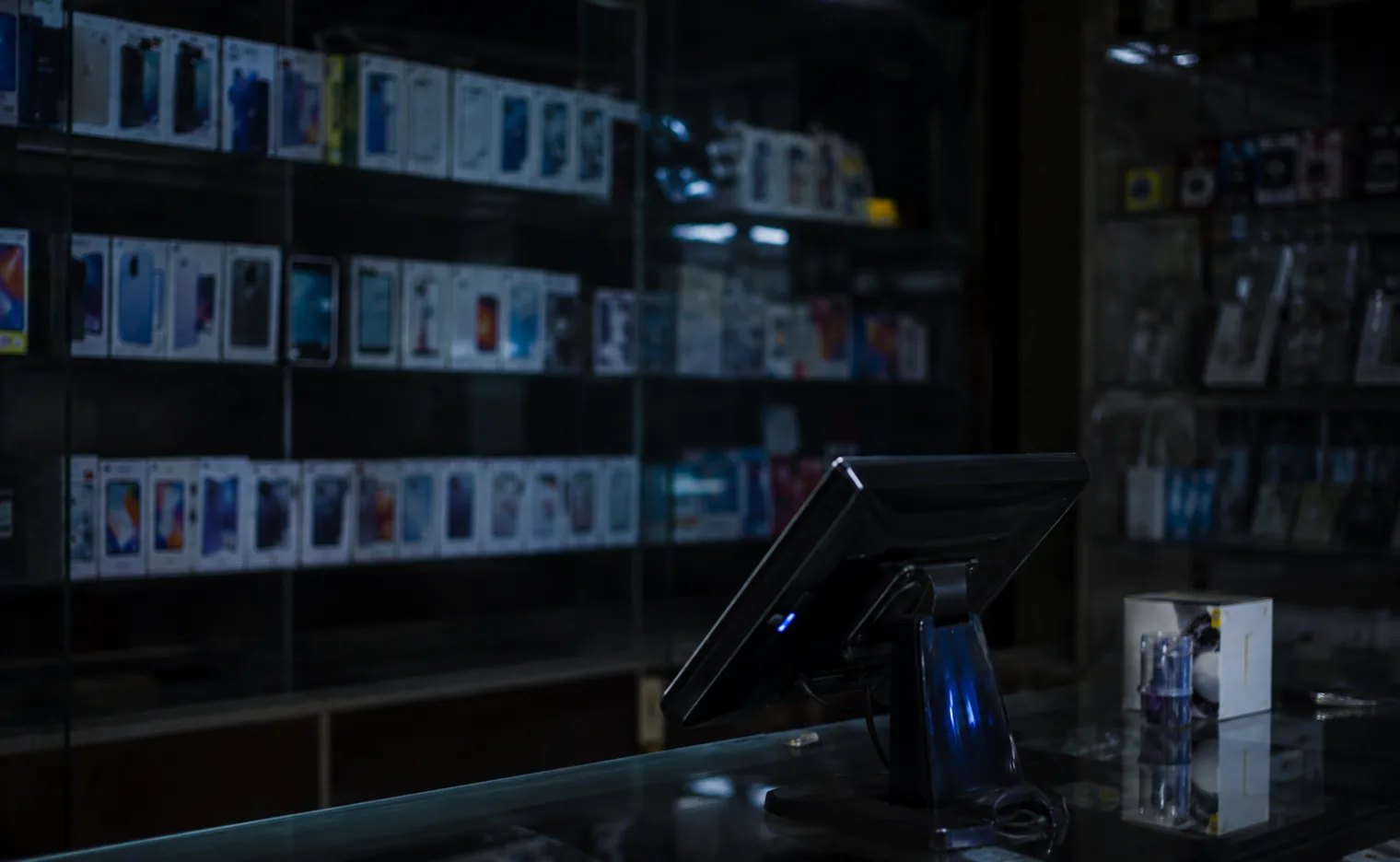
Fourteen modules ship in the box from the counter screen your cashier lives on to a full double-entry ledger your accountant will recognise
In-memory product search, barcode scanning, multiple cart tabs, held carts, split payments and instant change calculation.
Categories, brands, units, multi-barcode products, bulk price updates, label printing and per-unit IMEI/serial tracking.
Purchase orders, goods-received notes with partial receipt, automatic average-cost recalculation, returns and used-item buy-back.
Invoices, returns, exchanges, layaway, sales orders, quotations and KIST installment plans, each with its own paperwork.
Ledgers with running balances, credit limits, groups and price tiers, statements of account, loyalty points and duplicate merge.
Cash registers with Z-reports, expenses, profit & loss, tax report, plus a full chart of accounts, journals and balance sheet.
KPI cards, weekly charts, margin, dead stock, stock valuation, receivables ageing, hourly heatmap. Every one exports to PDF or Excel.
Percentage and flat discounts, buy-X-get-Y, coupon codes, customer price lists and quantity breaks, applied automatically at the till.
Repair job cards with parts and warranty tracking, plus employees, attendance, shifts, leave, payroll and commission.
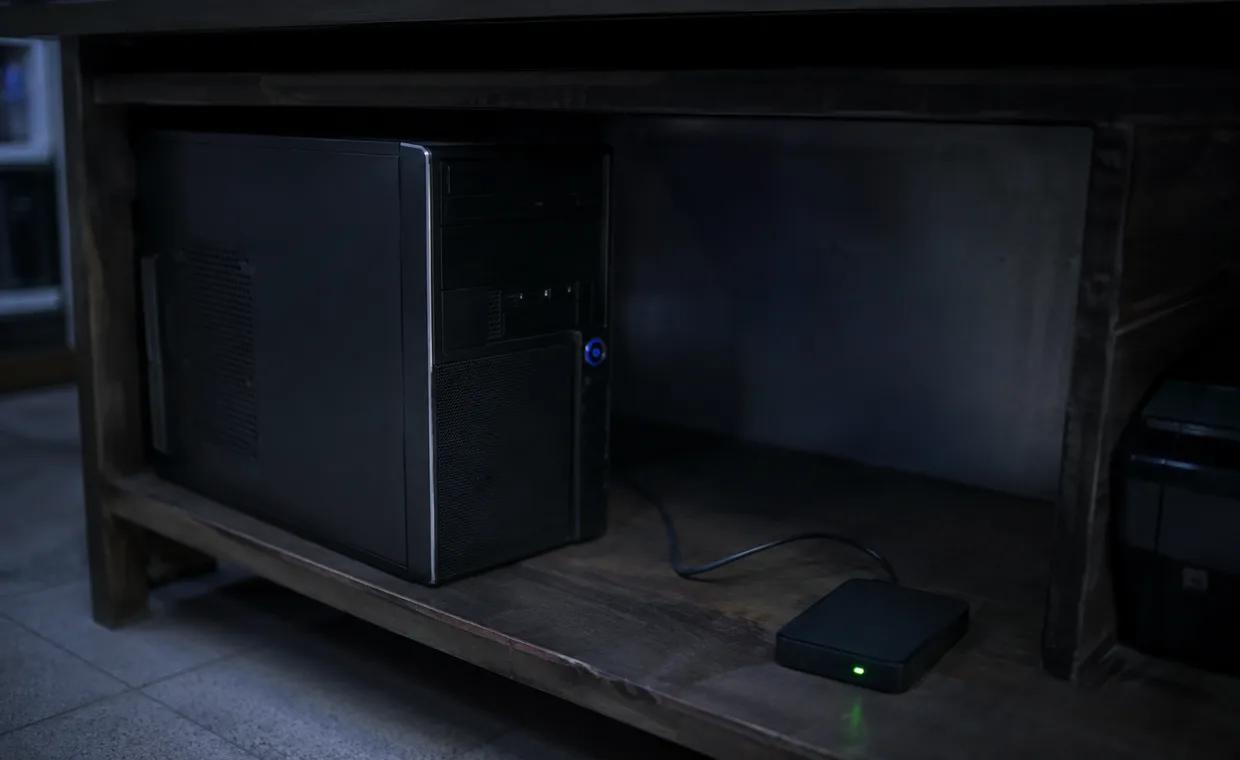
Every product, sale and report lives in a SQLite database file on the shop's own PC. Ringing up a sale calls no server and waits for no page to load. The only thing that ever needs the internet is your licence, and it checks in quietly in the background every couple of weeks
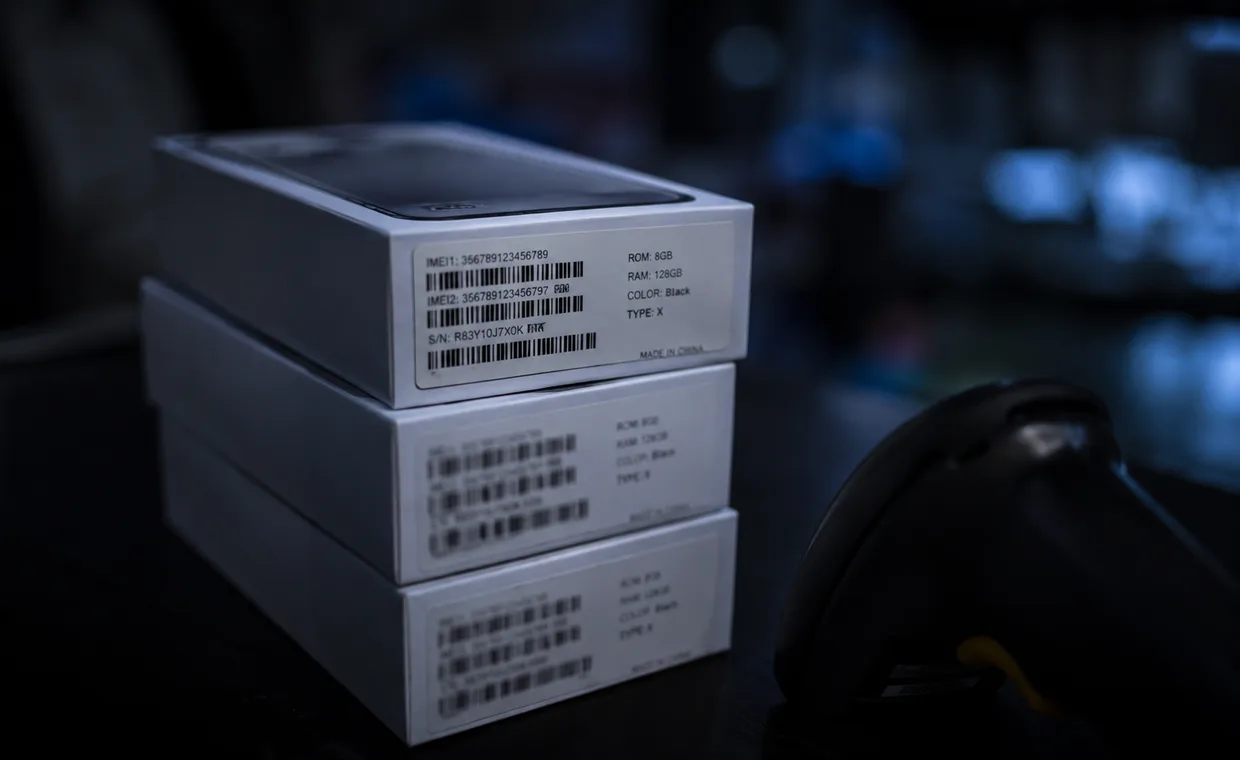
Mark a product as tracked and NeatPakPOS stops counting units and starts naming them. Every phone, laptop or device gets its own record from the day it arrives to the day it is sold
Cost is snapshotted onto every sale line using average cost, so margin is real, not a guess reconstructed months later. Returns net off, tax never counts as revenue, and damaged goods leave cost of goods sold where they should
No proprietary terminal, no locked-down bundle. If it plugs into Windows, NeatPakPOS talks to it
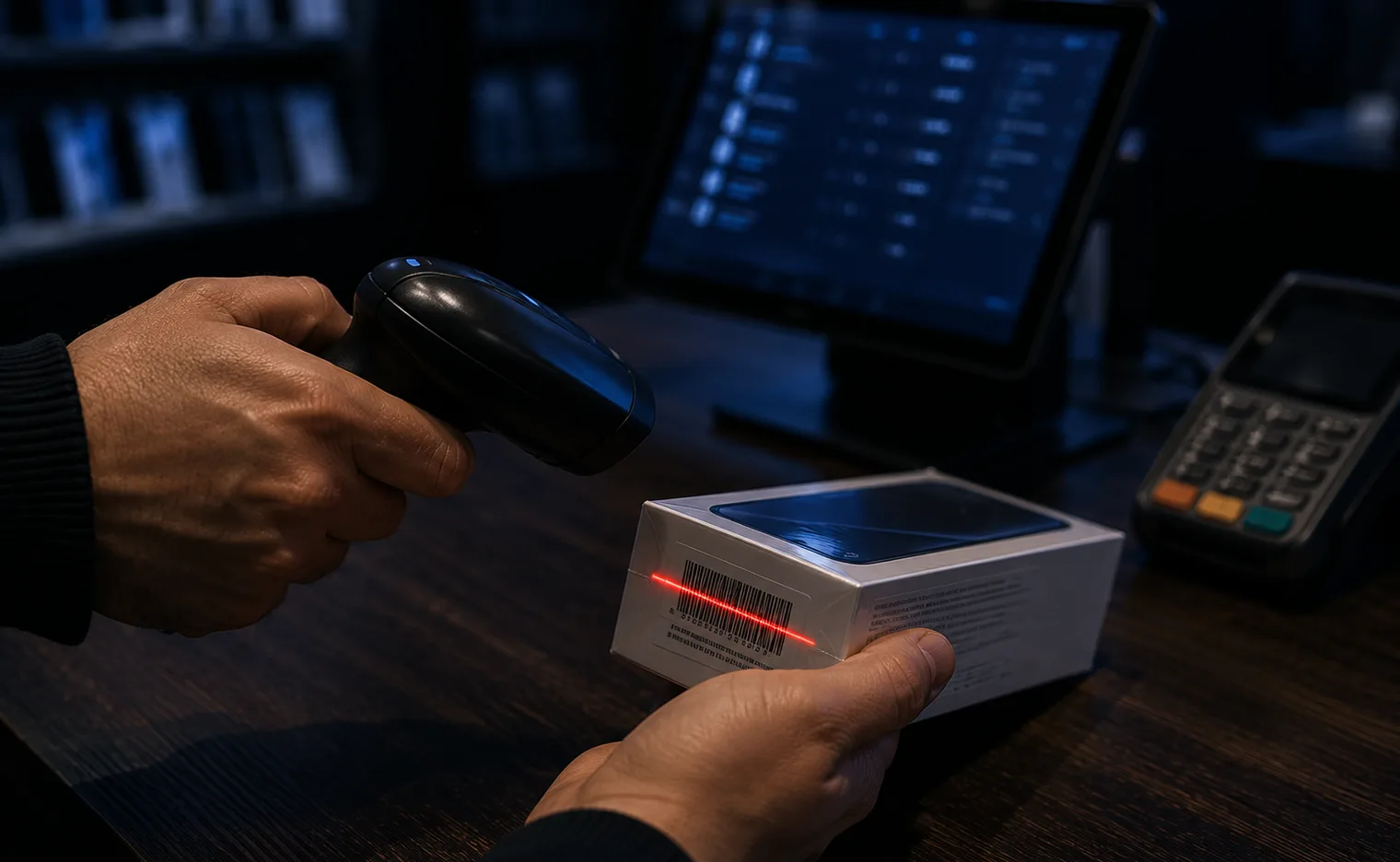
Any HID keyboard-mode scanner works. NeatPakPOS detects the fast keystroke burst and resolves SKUs, EAN variants and IMEIs.
ESC/POS on 58mm and 80mm rolls, with a live receipt preview and a test print in settings. A4 invoices print too.
Kicks open on a cash payment through the printer port, or on demand, with every drawer movement recorded for the Z-report.
Runs on Windows 10 and 11 at 1280×720 or larger. Light, dark and follow-OS themes come as standard.
NeatPakPOS installs from the Microsoft Store on Windows 10 and 11, so there is no setup file to hunt down and updates arrive on their own. The download page has the steps and what your PC needs


Something not working, or a question first? Reach the support team, Monday to Saturday, 9:00 AM–8:00 PM (PKT).
No. Everything runs on the shop's PC against a local database file. There is no server call anywhere in the app, and nothing is uploaded. Cloud sync is planned for a later phase and will be optional.
In a SQLite database file in the app's data folder on your PC, one file per store. You can create an encrypted backup at any time, schedule automatic ones, and export lists and reports to Excel or PDF.
NeatPakPOS is a desktop app for one PC. Multiple staff accounts share that machine, each with their own login, PIN and role (Manager, Cashier or Viewer), and every sale is recorded against the user who rang it up. Multi-terminal networking arrives with the cloud phase.
The app locks with a full-screen notice until you pick a plan, which you buy by in-app billing in the app itself. Nothing is deleted: the moment the plan is active, everything you built during the trial is still there. The trial belongs to your NeatPakPOS account rather than to the machine, so reinstalling or moving to another PC does not restart it.
Yes, and it is a first-class feature rather than a text field. Mark a product as tracked and each individual unit is recorded from receipt through to sale, return, damage or buy-back, searchable by its serial at any point.
Both are there. Phase 1 gives you cash registers, expenses, profit & loss and a tax report. Phase 2 adds a full chart of accounts, journal entries, a balance sheet, bank and cheque handling, and receivables/payables ageing with sales and purchases posting their own double entries.
Start the 14-day trial with every feature unlocked, and see how much of your day the counter screen gives back