1
Open the Microsoft Store
It ships with Windows 10 and 11. Press Start, type "Microsoft Store" and open it. Nothing to install first.
NeatPakPOS is a desktop app for Windows 10 and 11, published on the Microsoft Store. One install, updates handled for you, and a free 14-day trial you start the first time you open it

The button opens the listing in the Microsoft Store. Installing takes about two minutes on a normal connection.
This is the whole install, and it is what the button above does
It ships with Windows 10 and 11. Press Start, type "Microsoft Store" and open it. Nothing to install first.
Or follow the link from this page, which will open the listing directly. Check the publisher name before you install.
The Store downloads and installs it for you, and pins NeatPakPOS to your Start menu. No setup file to keep, no admin prompt to approve.
Create your NeatPakPOS account, start the 14-day trial with every module unlocked, then run the first-run wizard: store details, currency, tax, receipt layout and printer.
Publishing through Microsoft means the copy you install is the copy we signed, checked by the Store before it ever reaches your counter PC
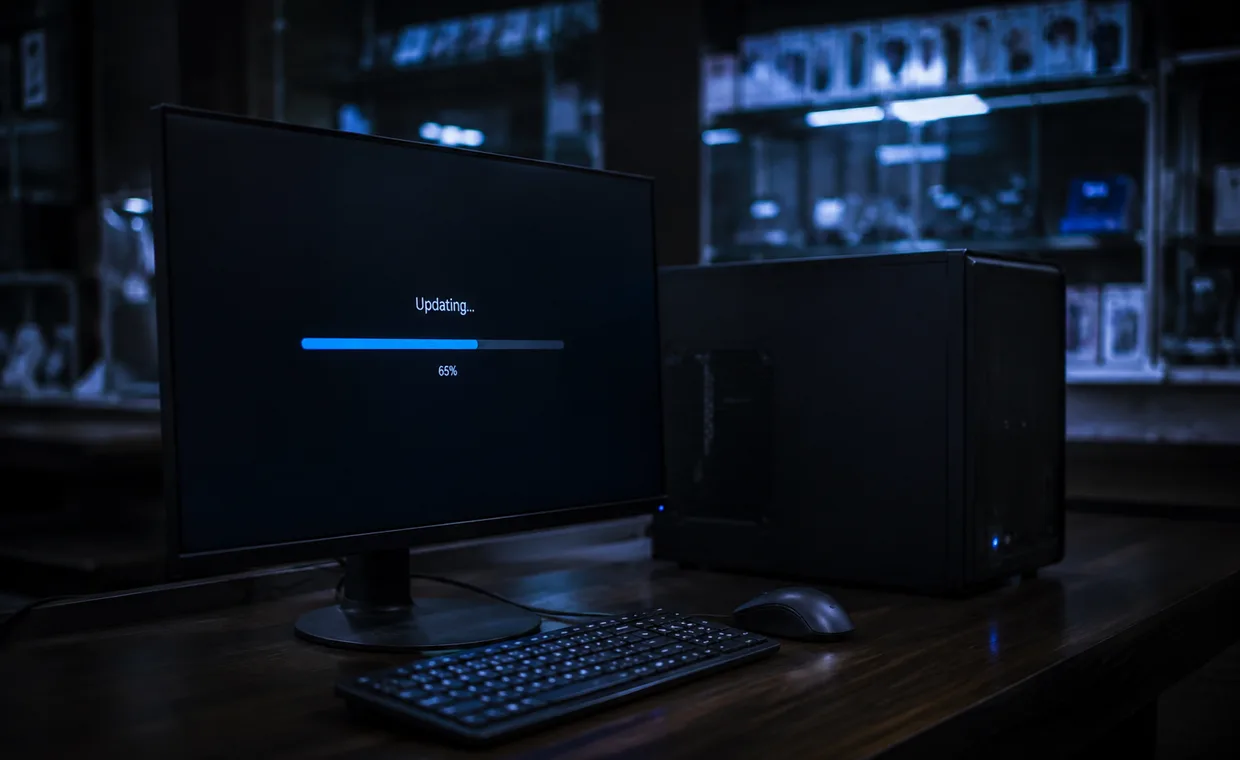
Modest by design. NeatPakPOS is meant to run on the machine already sitting at the counter
| Item | Minimum | Recommended |
|---|---|---|
| Operating system | Windows 10 (64-bit) | Windows 11 |
| Display | 1280 × 720 | 1920 × 1080 at 100–125% scaling |
| Memory | 4 GB RAM | 8 GB RAM |
| Storage | 2 GB free, plus room for backups | SSD, with backups on a second drive |
| Internet | Only to install and update | Not needed to sell, ever |
The full list, including scanners, receipt printers and cash drawers, is on the support page.
Store errors, a licence that needs moving, or a PC that will not cooperate. Tell us and we will sort it out
Send us the error
Store errors come with a code, such as 0x80073D0D. Include it and we will tell you what it means.
Ask about a licence
Buying, renewing, or moving your licence to a new PC. Moving is free.
Monday to Saturday, 9:00 AM to 8:00 PM (PKT)
Most messages are answered within one working day, sooner if the shop is stopped.
Yes. NeatPakPOS is live on the Microsoft Store: open the listing, press Get, and the 14-day trial starts the first time you open the app.
No. The Microsoft Store is the only place we publish it, and we do not hand out setup files privately. That way every shop runs a signed copy and gets updates on its own. If the Store will not install it on your PC, write to us with the error code and we will help.
No. NeatPakPOS is a Windows desktop app, built for a counter PC with a scanner and a receipt printer attached. Multi-terminal and cloud access arrive in a later phase.
The Store signs you in with a Microsoft account for the download, and NeatPakPOS never touches it. NeatPakPOS has its own account, which you create in the app — it carries your licence, and nothing about your shop is tied to Microsoft. Your staff then sign in to the till with their own NeatPakPOS users and PINs, which stay on that PC.
No. Create a NeatPakPOS account on first run and start the 14-day trial with every module unlocked — no card, and it will not turn into a paid plan by itself. When it ends the app asks you to pick a plan, and everything you entered during the trial is still there.
Yes — install NeatPakPOS on each PC and sign in to the same NeatPakPOS account. The licence follows the account, not the machine, so the trial does not restart when you reinstall or switch PCs. What a plan does set is how much it covers: 1 shop on 1 PC, on the trial and on every paid plan alike, with up to 2 extra shops available on a paid plan — 3 in total, each with its own PC. Need more than that? Talk to us.
Install it from the Microsoft Store and start the 14-day trial with every module unlocked